Native macOS
Swift 6.2, universal binary, SwiftUI. Not Electron. Not a web view.
New · macOS 14+ · one-time purchase $19.99
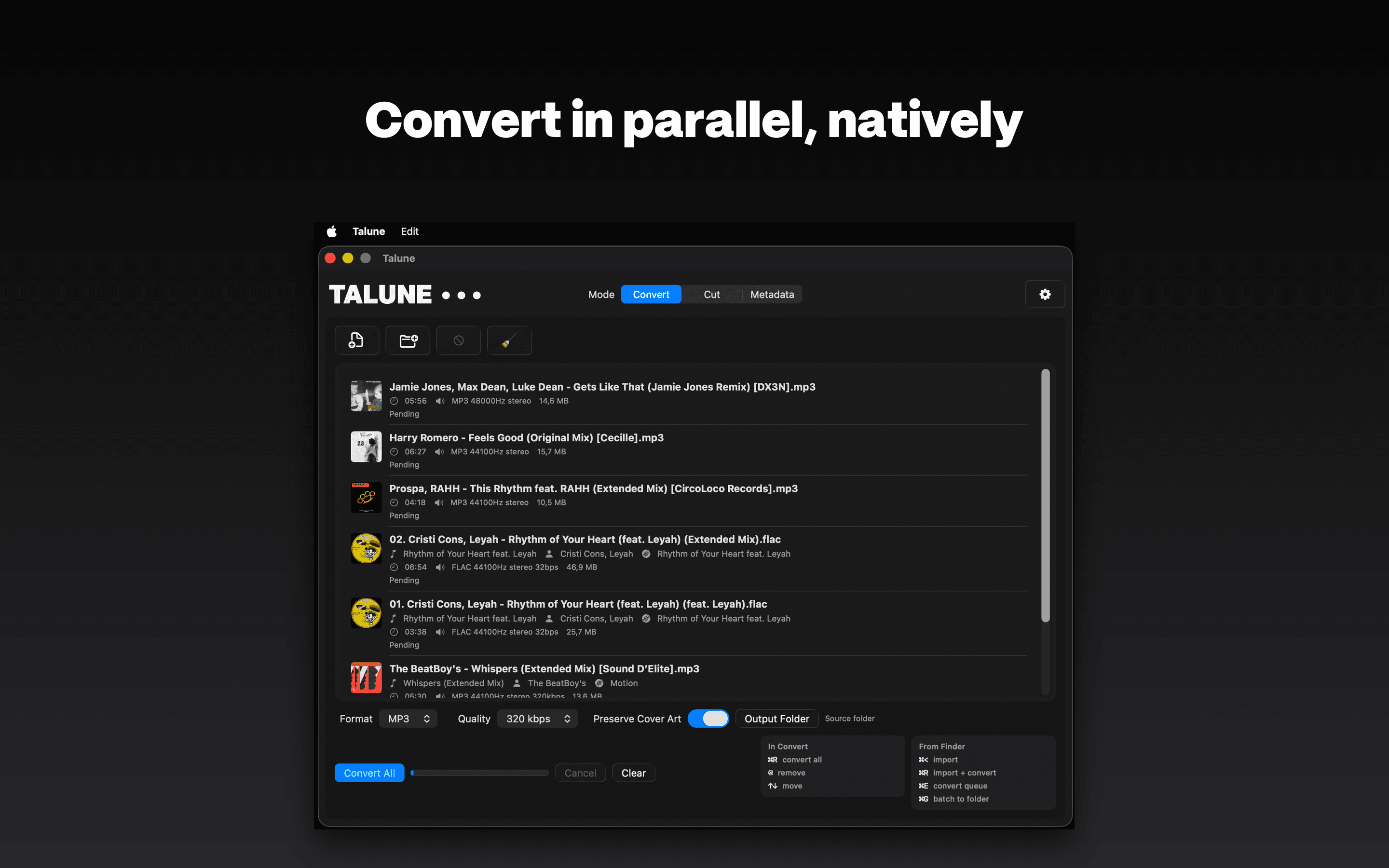
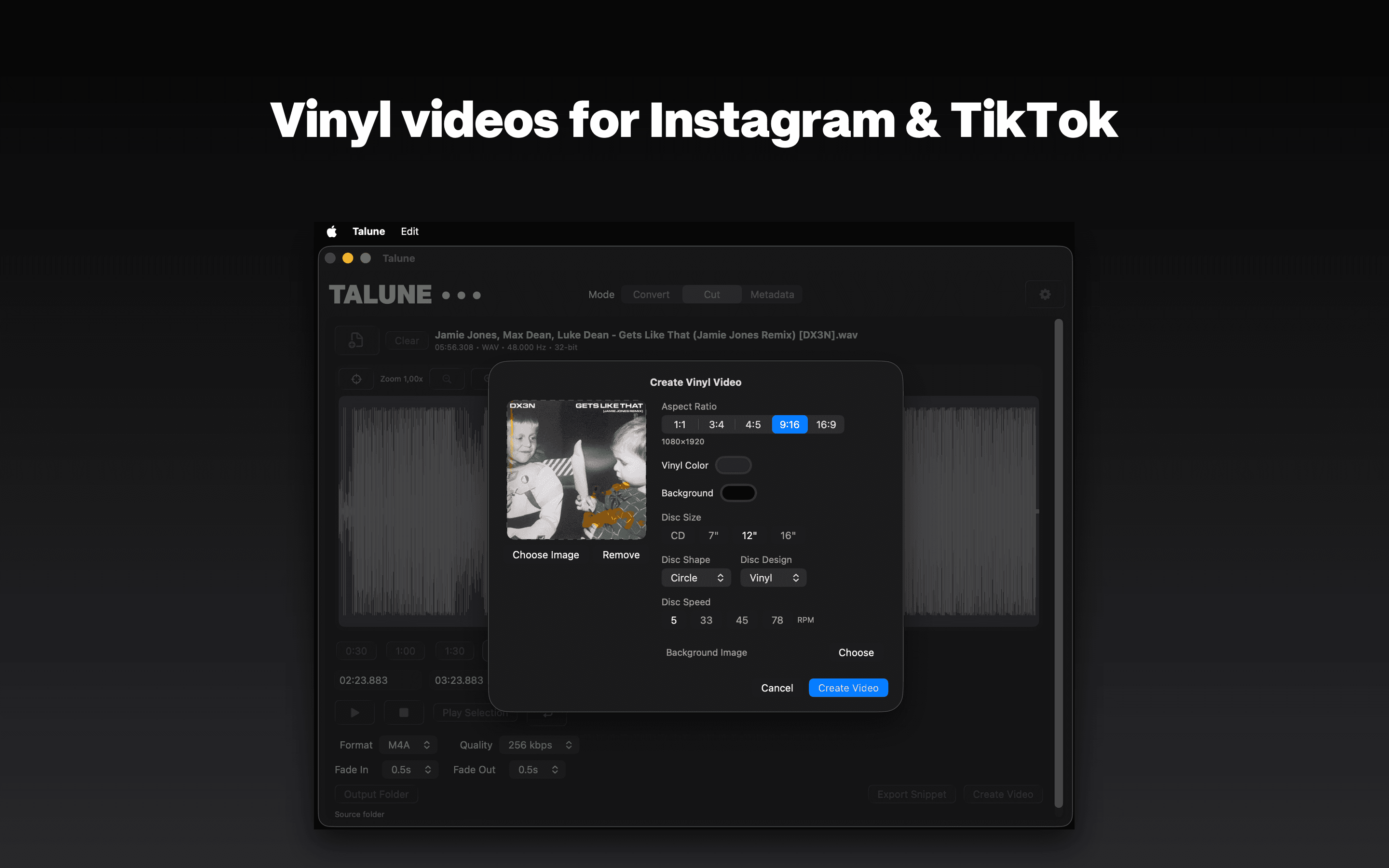
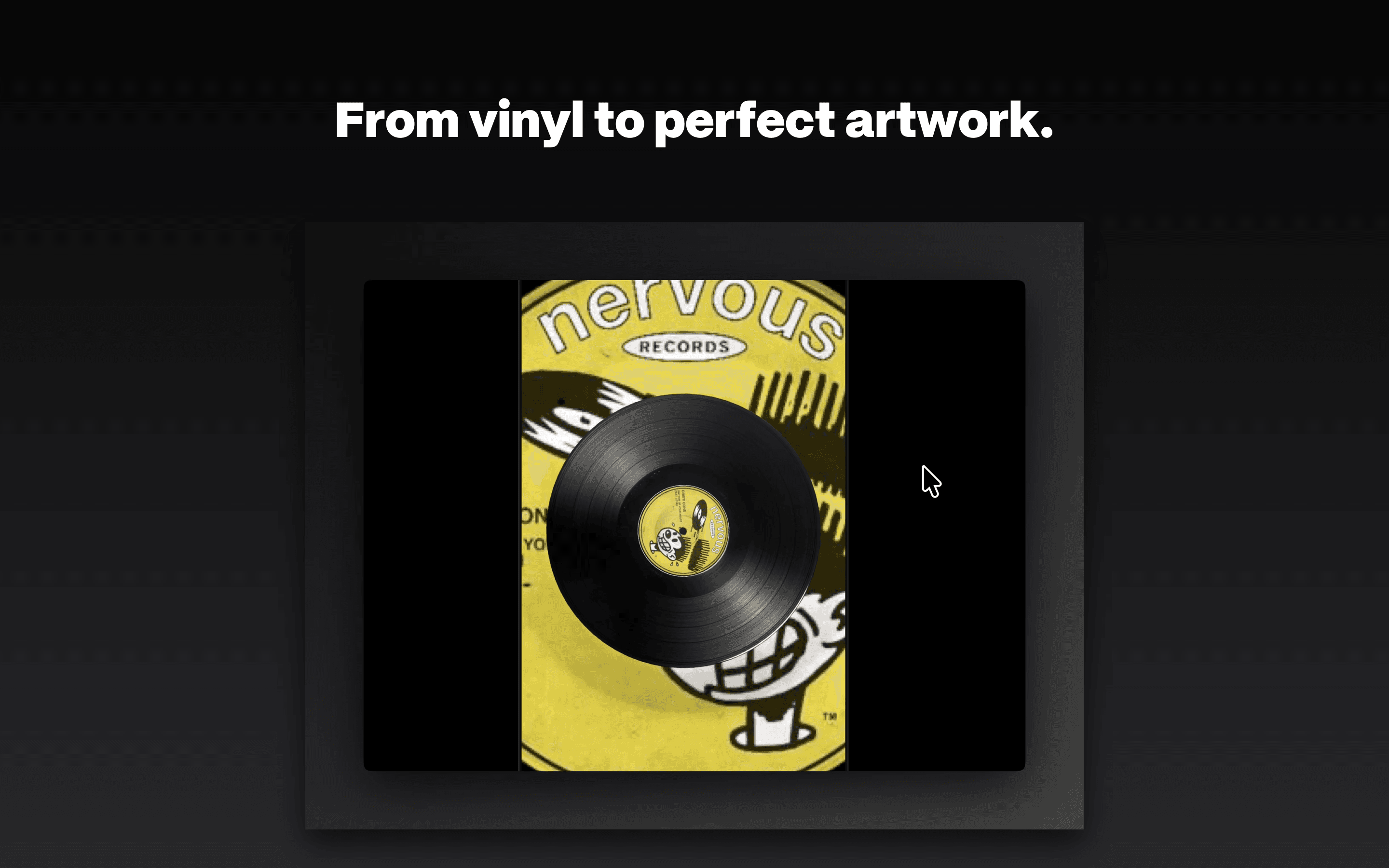
Talune is a native macOS utility for people who work with audio files every day. Select files in Finder, press ⌘<, and Talune converts them in parallel, straight from the menu bar. No window to open. Also: waveform snippets, bulk metadata edits, and a vinyl-spinning video export for socials.
CONVERT
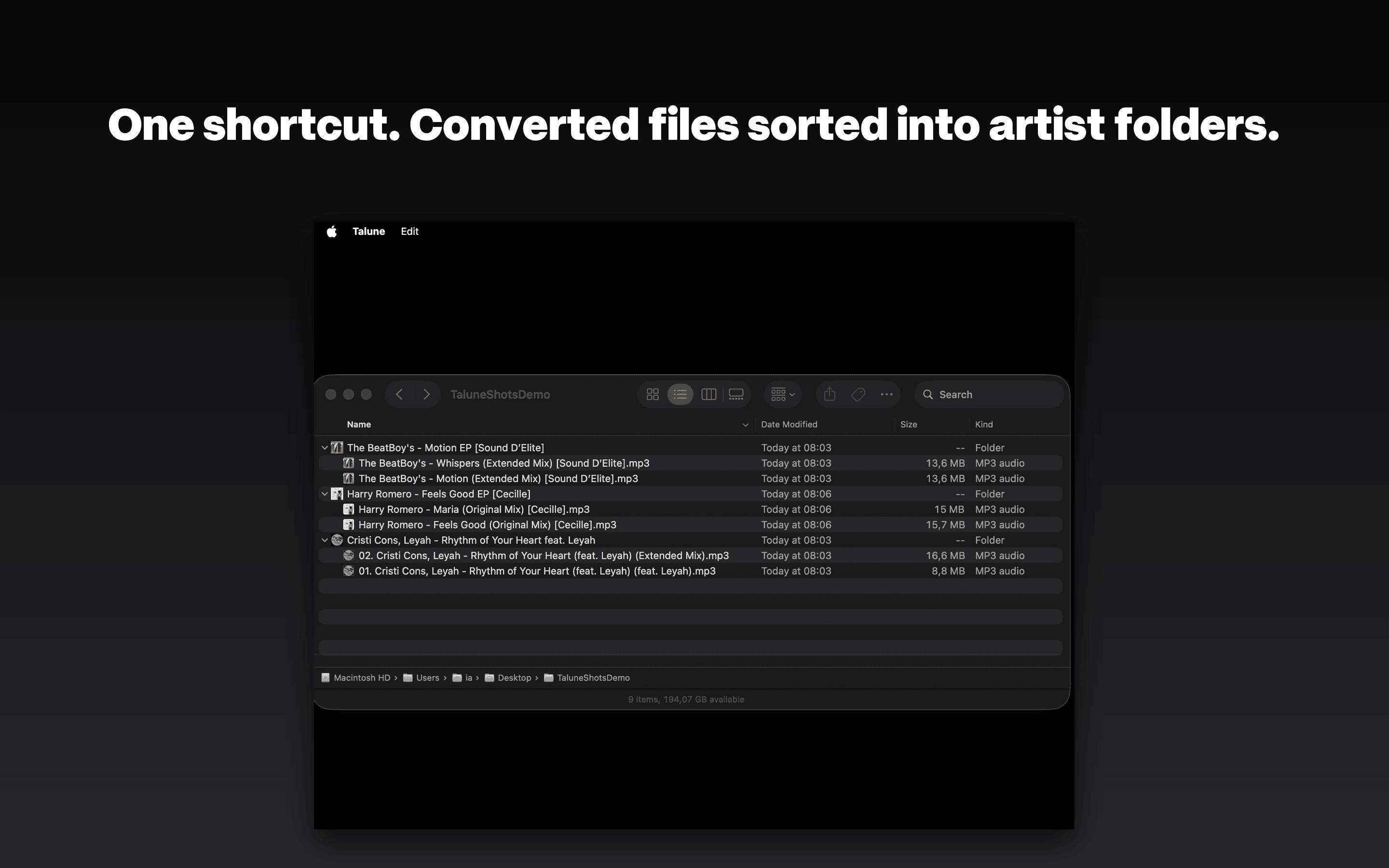
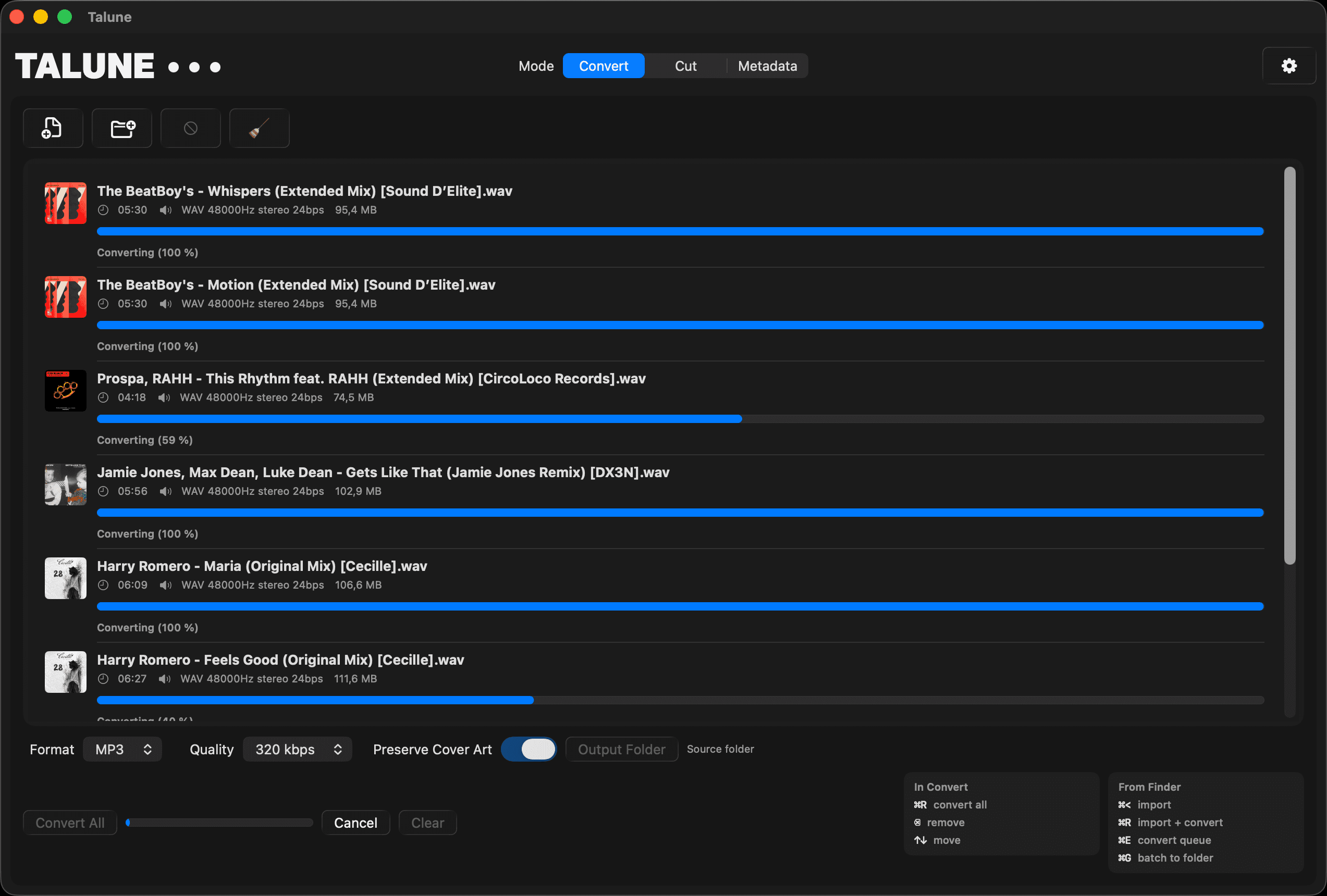
Multi-threaded engine converts entire batches while you work. Drag and drop or import directly from Finder with a keystroke. Smart folder grouping organizes output by artist and album.
CUT
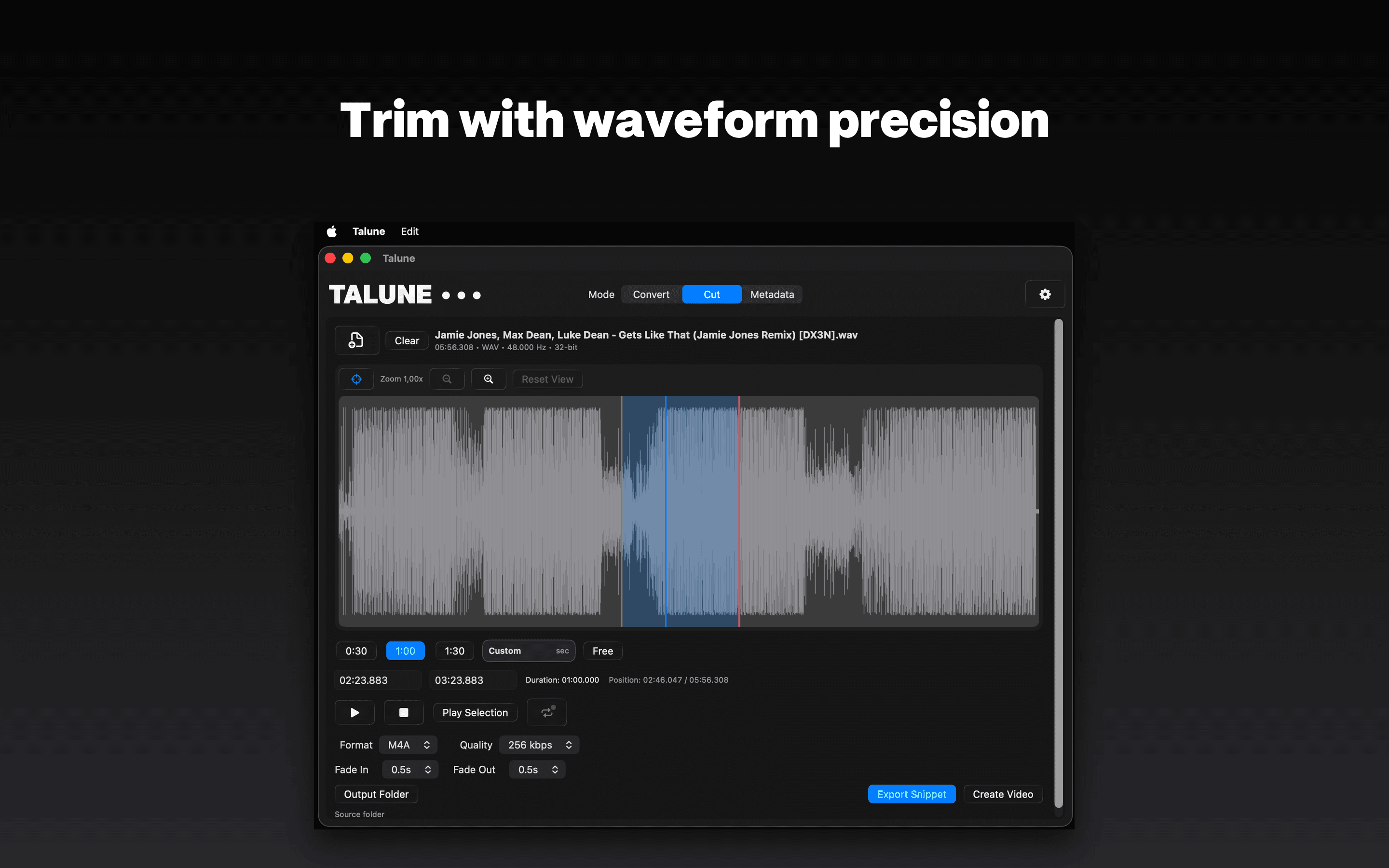
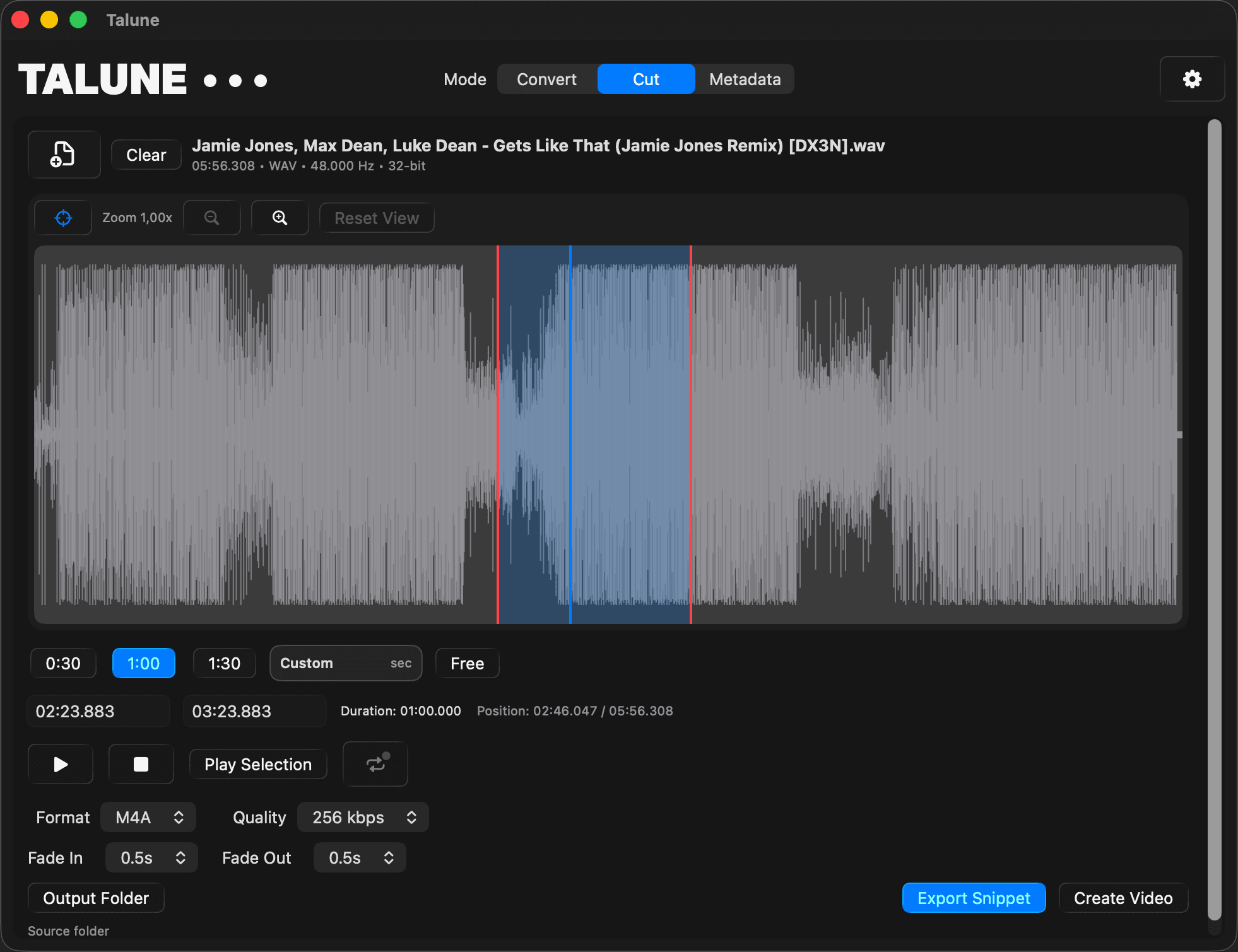
Load an audio file, see the waveform, drag the trim markers. Export as WAV, AIFF, M4A — or render the selection as a rotating vinyl clip for socials.
METADATA
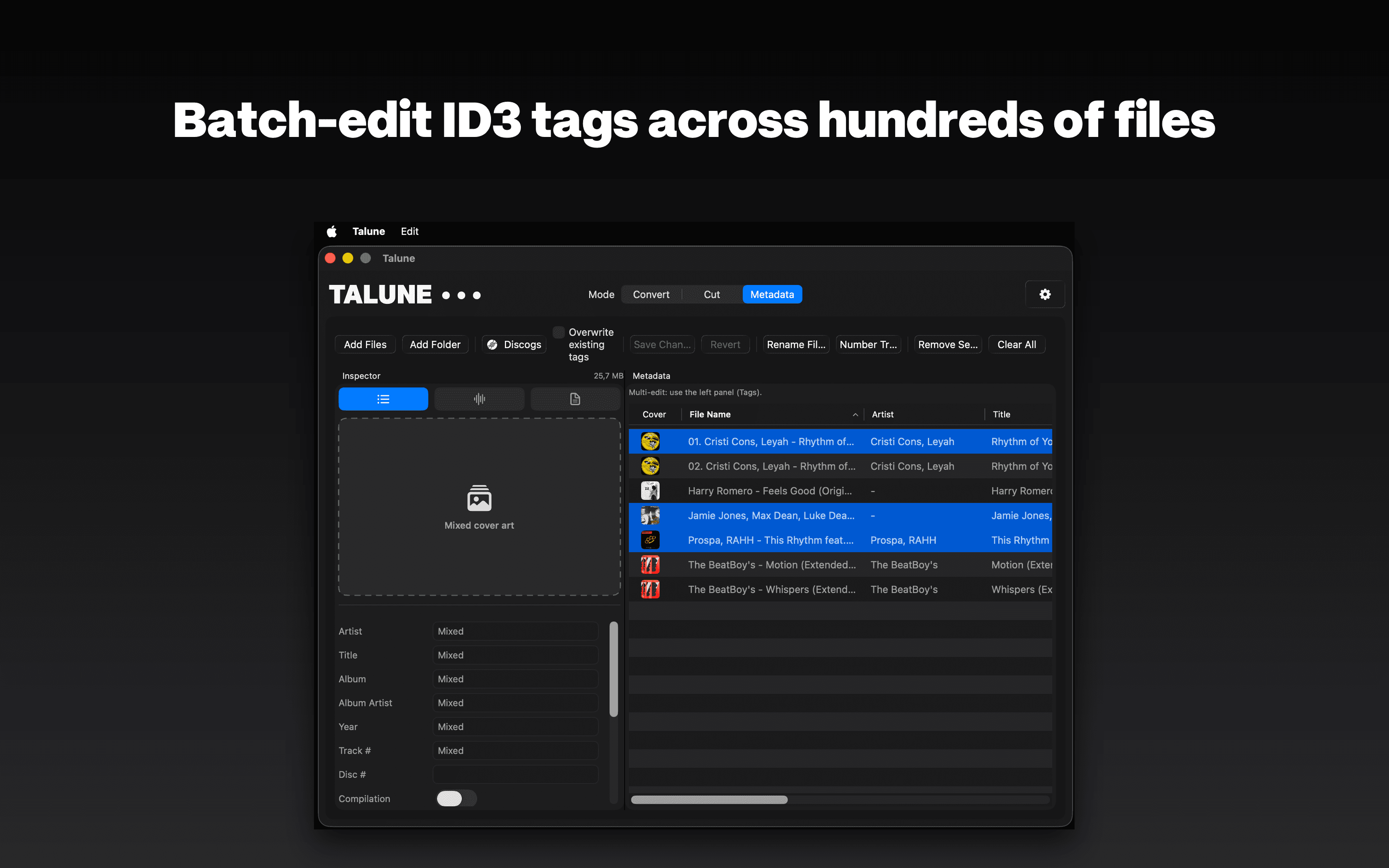
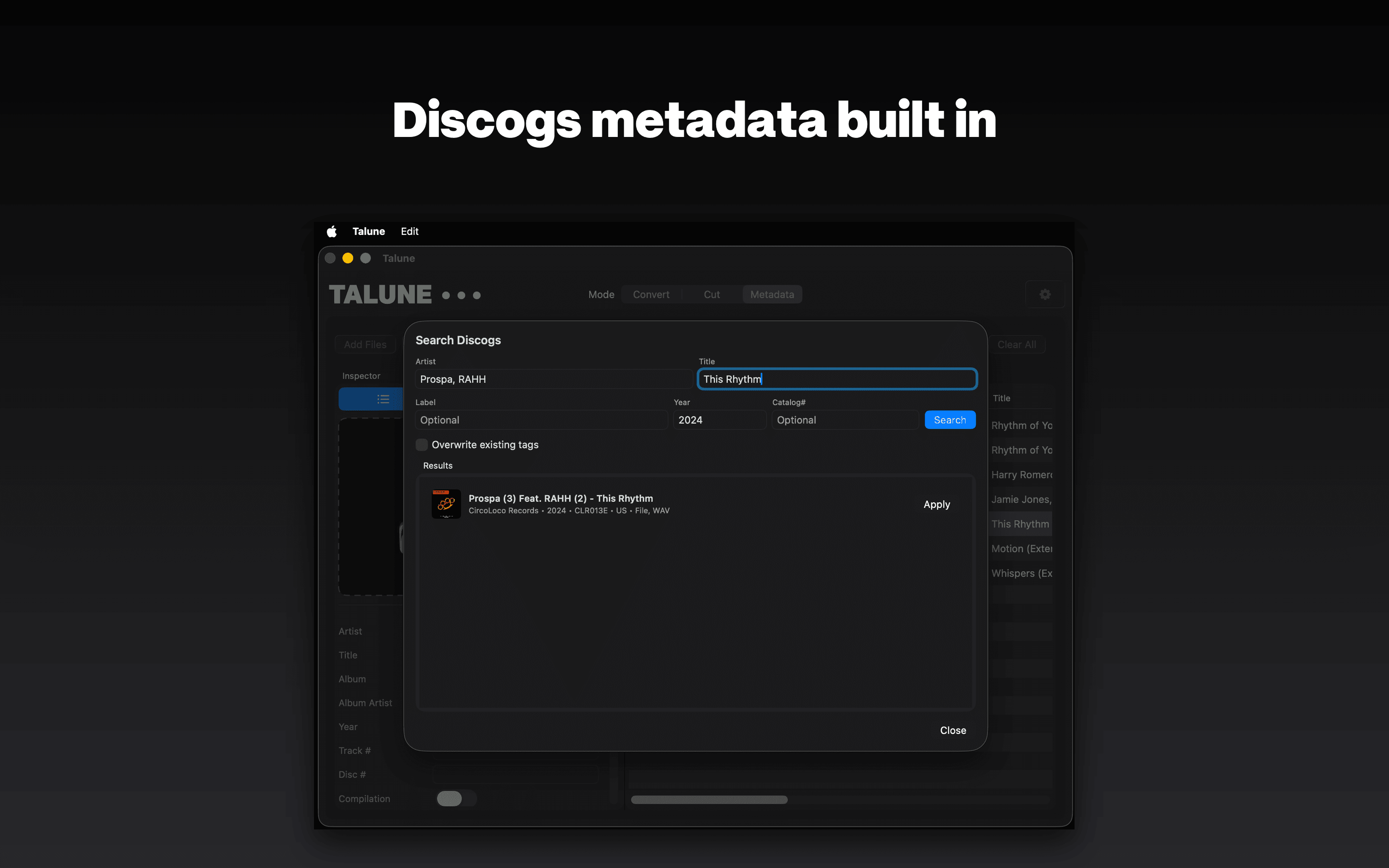
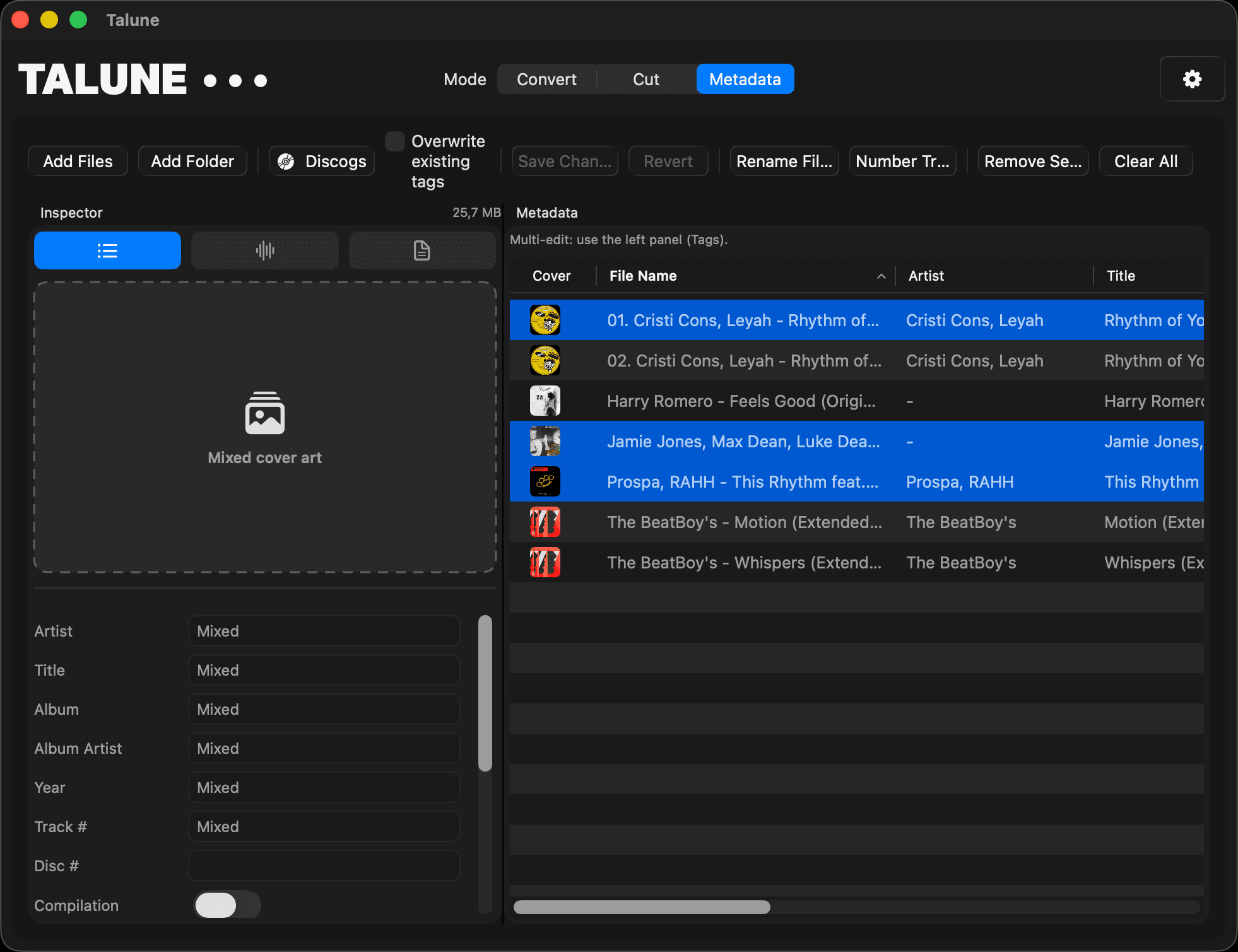
A spreadsheet-style grid for artist, title, album, track, year, genre, and artwork. Edit one row or bulk-edit a hundred. Pull tracklists from Discogs if you want.
Finder hotkey
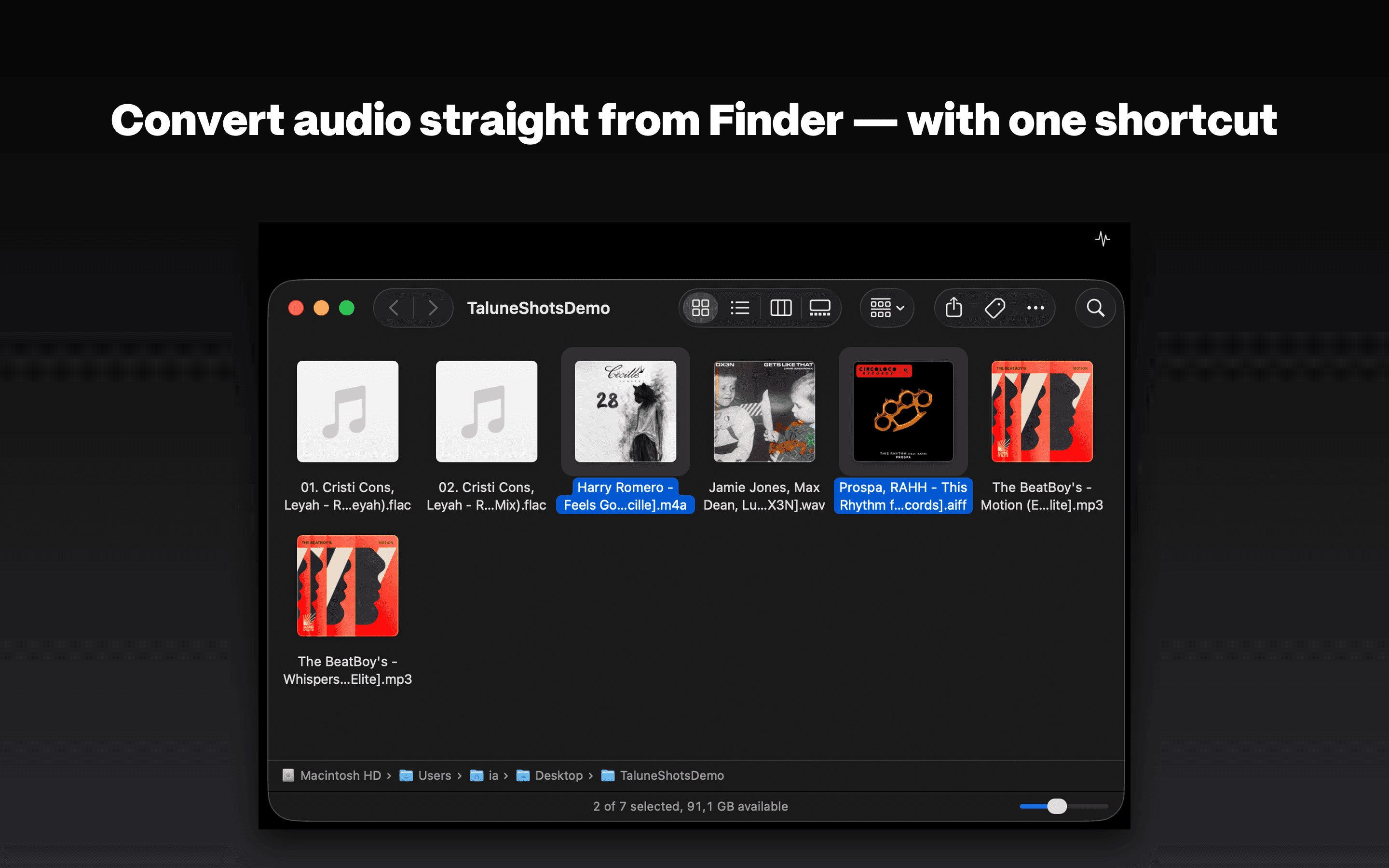
Select files in Finder. Hit ⌘+<. They’re in the Convert queue, processing. The panel doesn’t even have to be open.
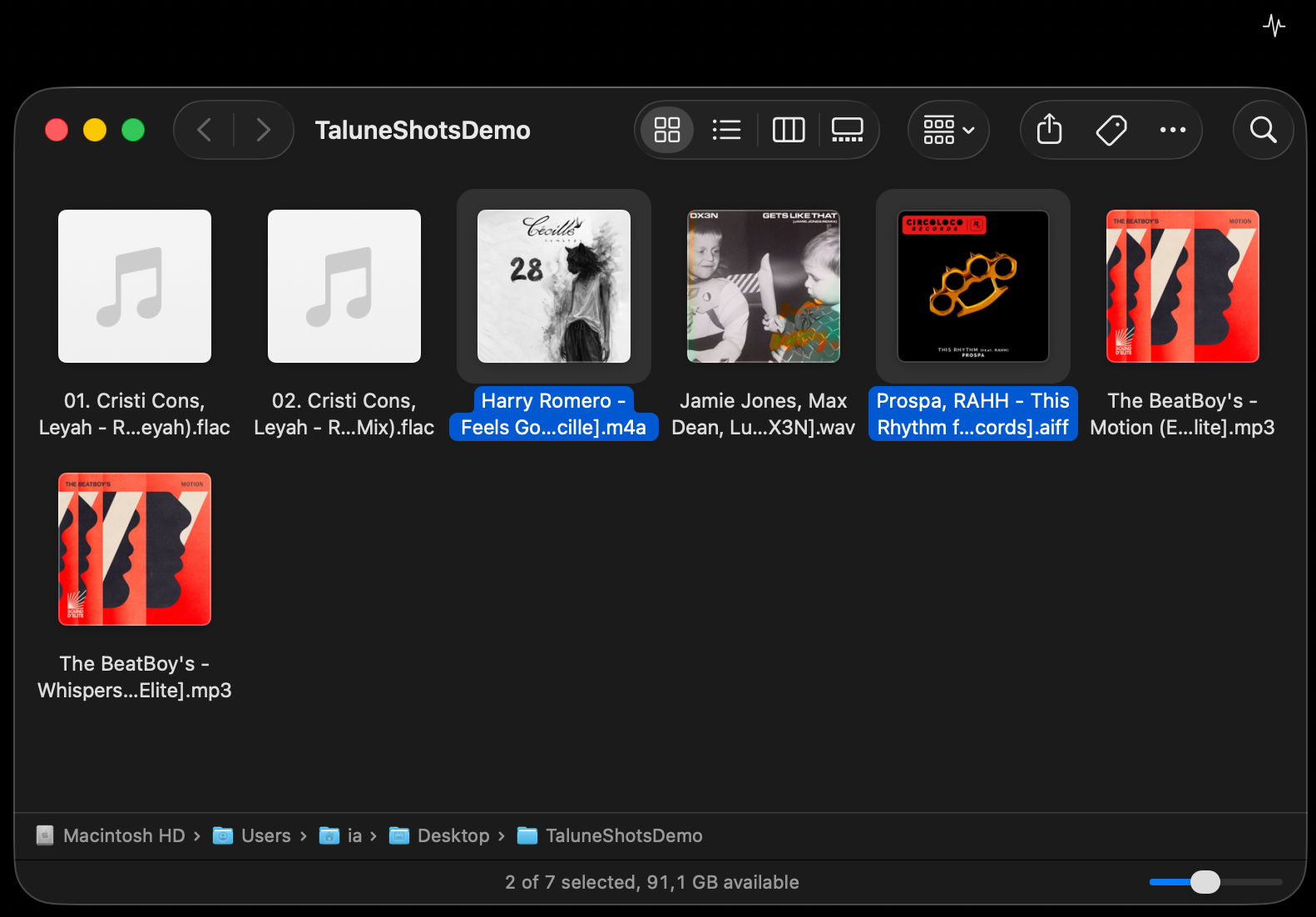 Select 2 files. The Finder window is foreground.
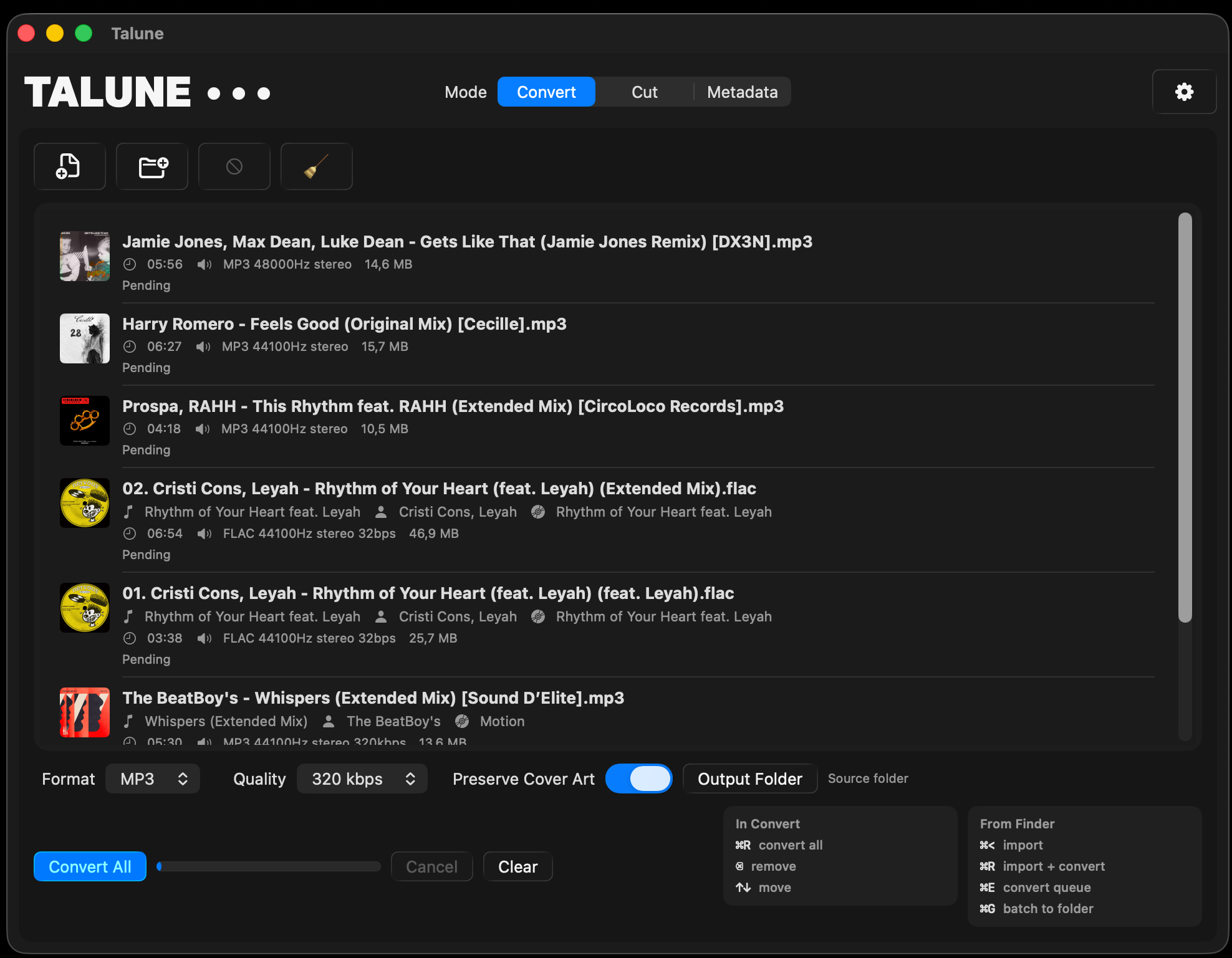 Files land in the queue. Parallel conversion starts immediately.
Why Talune
Swift 6.2, universal binary, SwiftUI. Not Electron. Not a web view.
No account. No tracking. No cloud. Discogs lookup is optional and user-triggered.
Actor-based parallel processing. Batch jobs finish while you’re still reading the progress bar.
Three tabs. No dock icon. No window to find. Quit with ⌘Q like any Mac app.
Pricing
No subscription, no in-app purchases, no trial. Mac App Store refund window applies.
$19.99
One-time purchase · Mac App Store
$24.99 after the intro period
Download on theMac App StoremacOS 14 Sonoma or later · Apple Silicon or Intel · Universal binary
FAQ